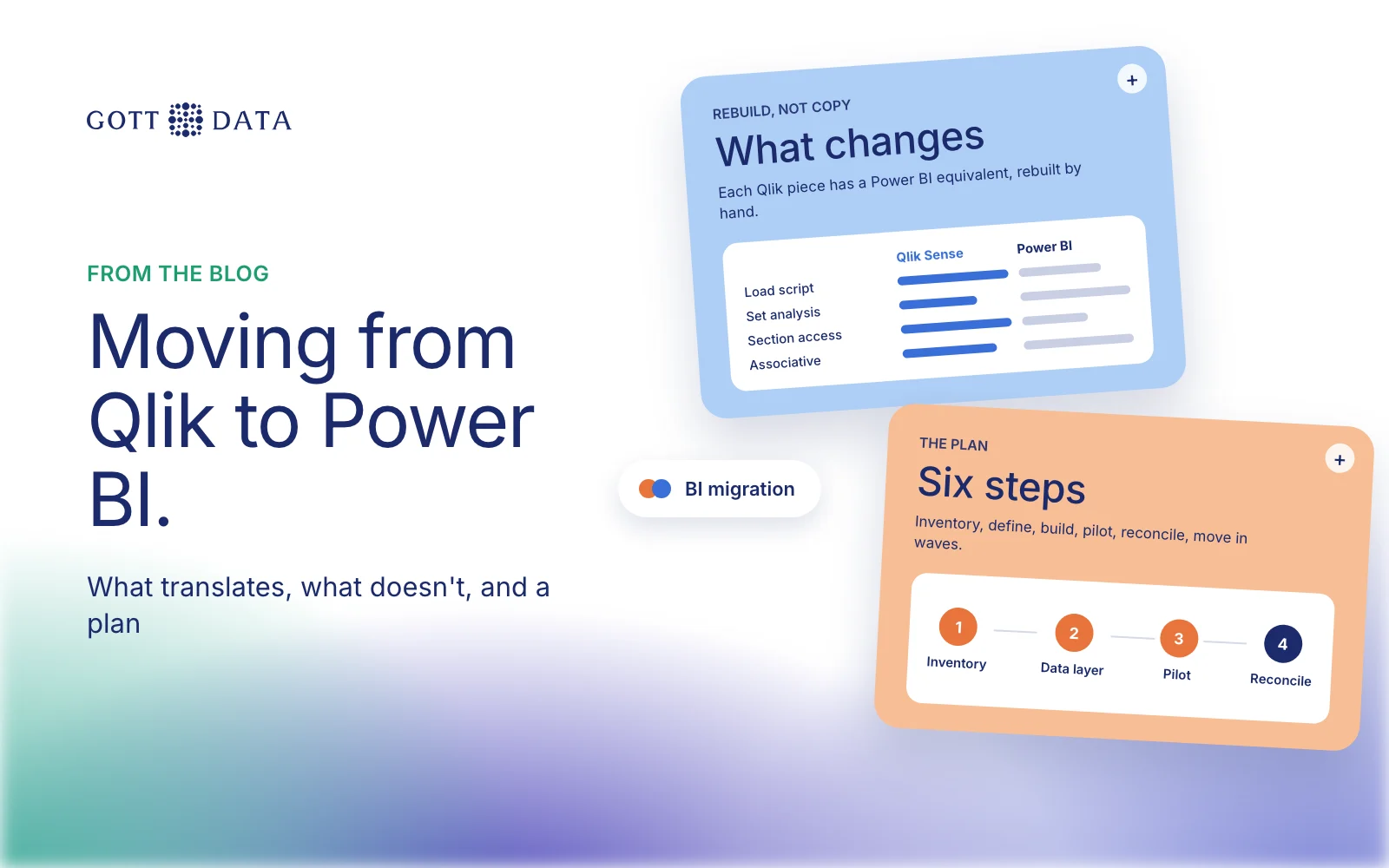
A Qlik Sense to Power BI migration is a rebuild, not a file conversion. The data load scripts, the data model and the expressions all have to be redone in Power BI's own terms. Done well, it is also a chance to fix old reports. This post covers why teams move, what doesn't translate, a plan that works, and when staying on Qlik is the better call. We build in both tools, so we have no reason to push either.
Why do companies move from Qlik Sense to Power BI?
The reasons we hear are usually practical, not technical:
- The company already pays for Microsoft 365 and wants one vendor, one login and one admin centre.
- Fewer people know Qlik. Hiring or training Power BI developers is often easier.
- Excel users want to stay close to Excel. Power BI shares Power Query and DAX with Excel's data tools.
- Several BI tools are in use and the company wants to standardise on one.
Microsoft's own migration guidance lists similar drivers: managed self-service, simpler enterprise BI and lower cost. None of these says Qlik is worse. They are about fit with the rest of the stack.
What doesn't translate from Qlik Sense?
Three things cause most of the work.
The associative model. In Qlik Sense, every selection colours every field: green for selected, white for possible, light grey for alternative and dark grey for excluded, as Qlik's help describes. Users learn to read the grey values as "what my selection rules out". Power BI filters through relationships between tables instead. It does not show excluded values in the same way, so users who rely on the grey need a short explanation and sometimes a different report design.
Set analysis vs DAX. Qlik's set analysis defines "a scope that is different from the set of records defined by the current selection". It is how Qlik apps do "this year vs last year" or "share of total". In Power BI the same logic is a DAX measure that changes the filter context, often with CALCULATE. There is no one-to-one mapping. Each expression has to be read, understood and rewritten, then tested against the Qlik number.
The load script. Qlik apps often hold a lot of transformation logic in the load script: joins, mappings, flags and incremental loads. Power BI uses Power Query (the M language) for this. Microsoft's star schema guidance says that with large volumes or history tracking you should first build a data warehouse and ETL, then point the model at it. A migration is a good moment to move that logic out of the BI tool altogether.
| Qlik Sense | Power BI equivalent | Effort |
|---|---|---|
| Load script | Power Query or a warehouse | High |
| Associative model | Star schema with relationships | Medium |
| Set analysis | DAX measures | High |
| Section access | Row-level security in DAX | Medium |
| Sheets and charts | Report pages and visuals | Low to medium |
Is there a Qlik Sense to Power BI migration tool?
People search for one often. In practice, the parts that take time are the expressions and the business rules inside them, and those need a person who understands both tools. Scripts can help with an inventory: listing apps, fields, expressions and how often each app is opened. Treat any automatic conversion as a first draft that still has to be checked number by number.
A migration plan that works
Microsoft's guidance splits a migration into stages: gather requirements, plan deployment, run a proof of concept, build and validate, then deploy. Our version for a mid-sized Qlik estate:
- Inventory. List every app, its owner, its users and when it was last opened. Unused apps are not migrated.
- Agree definitions. Write down how each key measure is calculated today. This is where hidden logic in set analysis comes out.
- Build the data layer first. Move transformations into a warehouse or shared semantic model that every report can use.
- Pilot one app. Pick a busy one with a clear owner. Rebuild it, then run both versions side by side for a month.
- Reconcile. Compare totals, filters and edge cases until the numbers match or the difference is explained.
- Move in waves, and switch off each Qlik app when its replacement is signed off.
Microsoft also advises focusing on the business question a report answers, rather than copying it screen by screen. We agree. Many Qlik sheets were built around Qlik's way of exploring, and a straight copy rarely feels right in Power BI.
When should you stay on Qlik Sense?
Moving is not always worth it. Stay, or delay, if:
- your users depend on free exploration across many fields and like the associative view,
- the apps hold years of complex set analysis that nobody has documented,
- the licence saving is small next to the cost of rebuilding and retraining,
- or the real problem is messy data, which a new tool will not fix.
A middle path is common: build a shared warehouse, keep Qlik for the apps that suit it, and use Power BI for new work. Our Qlik Sense vs Power BI comparison covers the trade-offs in more depth.
If you are weighing a move, our analytics work shows how we approach data models and dashboards in both tools, and you can tell us what you run today.