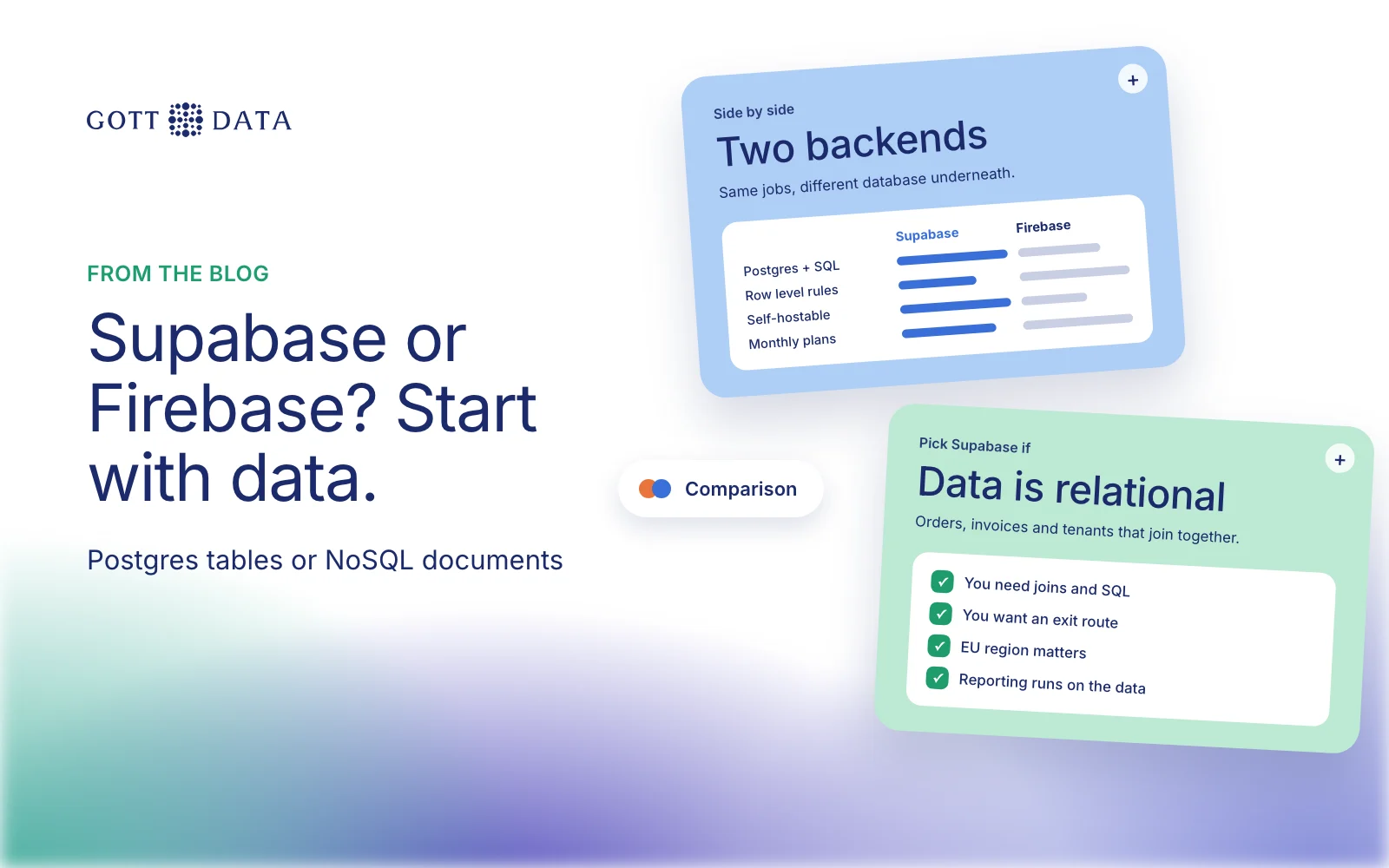
Supabase vs Firebase comes down to one choice: do you want a relational Postgres database, or a document database built for real-time apps? Supabase gives you Postgres with auth, storage and access rules on top. Firebase gives you Cloud Firestore, a NoSQL document store, inside Google Cloud. Both can run a serious business app. This post compares them on data model, security, pricing, lock-in and EU hosting, and says where we use each.
We should be open about our bias. Most of what we build runs on Supabase and Next.js. We have also designed a large Firestore data model for Marketing OS, so we have shipped production work on both.
What is the real difference between Supabase and Firebase?
The difference is the database underneath.
Firestore is, in Google's words, "a NoSQL, document-oriented database". Data lives in documents, which are like JSON records, grouped into collections. Documents in one collection can have different fields. You can nest subcollections inside documents.
Supabase is a Postgres database with tables, columns, foreign keys and SQL. Auth, file storage, edge functions and an API sit around it.
That shapes everything else. With Postgres you can join invoices to customers to products in one query, and the database refuses an order that points at a customer who doesn't exist. With Firestore you design documents around the screens that read them, and you often copy data into several places so reads stay fast.
Firebase has also added a relational option, SQL Connect, which runs on Cloud SQL for PostgreSQL. If you like the rest of Firebase but need tables, it is worth a look.
| Supabase | Firebase (Firestore) | |
|---|---|---|
| Database | Postgres (relational, SQL) | Document store (NoSQL) |
| Access rules | Postgres row level security | Firestore Security Rules |
| Free plan | 2 active projects, 500 MB database | Spark plan with daily quotas |
| Paid model | Monthly plan plus usage | Pay as you go (Blaze) |
| Self-hosting | Yes, with Docker | No |
| EU regions | Ireland, London, Paris, Frankfurt, Zurich, Stockholm | Many, including the eur3 multi-region |
How do auth and security rules compare?
Both include user authentication. The bigger difference is how you decide who can see which data.
In Supabase you use Postgres row level security. A policy on a table works like a WHERE clause added to every query, for example "users only see rows where user_id matches their own ID". Supabase's docs say any table in an exposed schema should have it enabled. Without it, any role with access to the table can read or write every row.
In Firebase you write Security Rules: match statements on document paths, with allow conditions. Every request from a web or mobile client is checked against them. Server libraries skip the rules and use Google Cloud IAM instead.
Both are strong when you write them, and both are risky when you don't. On PitPro we took a prototype with no row level security, where any user could change any data. We rebuilt it in three weeks with strict tenant isolation, a normalised schema and rate-limited AI endpoints.
Supabase vs Firebase pricing and free tier
Prices below are as of November 2026, in US dollars, from each official pricing page. They can change, so check before you commit.
Supabase has a Free plan, Pro from $25 a month and Team from $599 a month. The free plan allows two active projects, a 500 MB database and 50,000 monthly active users. Free projects pause after a week without activity. Pro includes 8 GB of disk and 100,000 monthly active users, with usage billed above that.
Firebase has the free Spark plan and the pay-as-you-go Blaze plan. Firestore's free quota is 1 GiB stored, 50,000 document reads and 20,000 writes a day. Authentication is free up to 50,000 monthly active users.
The models behave differently. Firestore bills per read and write, so a screen that loads 200 documents costs 200 reads each time it opens. Supabase bills mostly for compute, disk and traffic, so a busy query costs CPU time rather than a per-row fee. Neither is always cheaper. Estimate from your own read patterns.
Lock-in and EU data residency
Supabase is Postgres, and its docs describe self-hosting with Docker. If you leave, you can take a standard database dump to any Postgres host. Firestore runs only on Google Cloud, and moving off it means rewriting your data layer.
For European data, both let you choose where it lives. Supabase offers specific regions in Ireland, London, Paris, Frankfurt, Zurich and Stockholm. Its general "Europe" option may place a project in London or Zurich, which are outside the EU, so pick a specific region if that matters. Firestore offers many European locations and an eur3 multi-region across Belgium and the Netherlands. You cannot change a Firestore database's location after you create it.
Which should a business app choose?
Pick Supabase when your data is relational: customers, orders, invoices, bookings, tenants. Also pick it when you want SQL reporting, or need a way out of a single vendor.
Pick Firebase when you build a mobile-first app with heavy real-time sync and offline use. It also fits when your team already works in Google Cloud, or when your data is naturally a set of independent documents.
For most SME back-office systems and SaaS products we see, Postgres is the safer default. If you want help choosing, or a second opinion on an app you already have, see our software work or tell us what you are building.