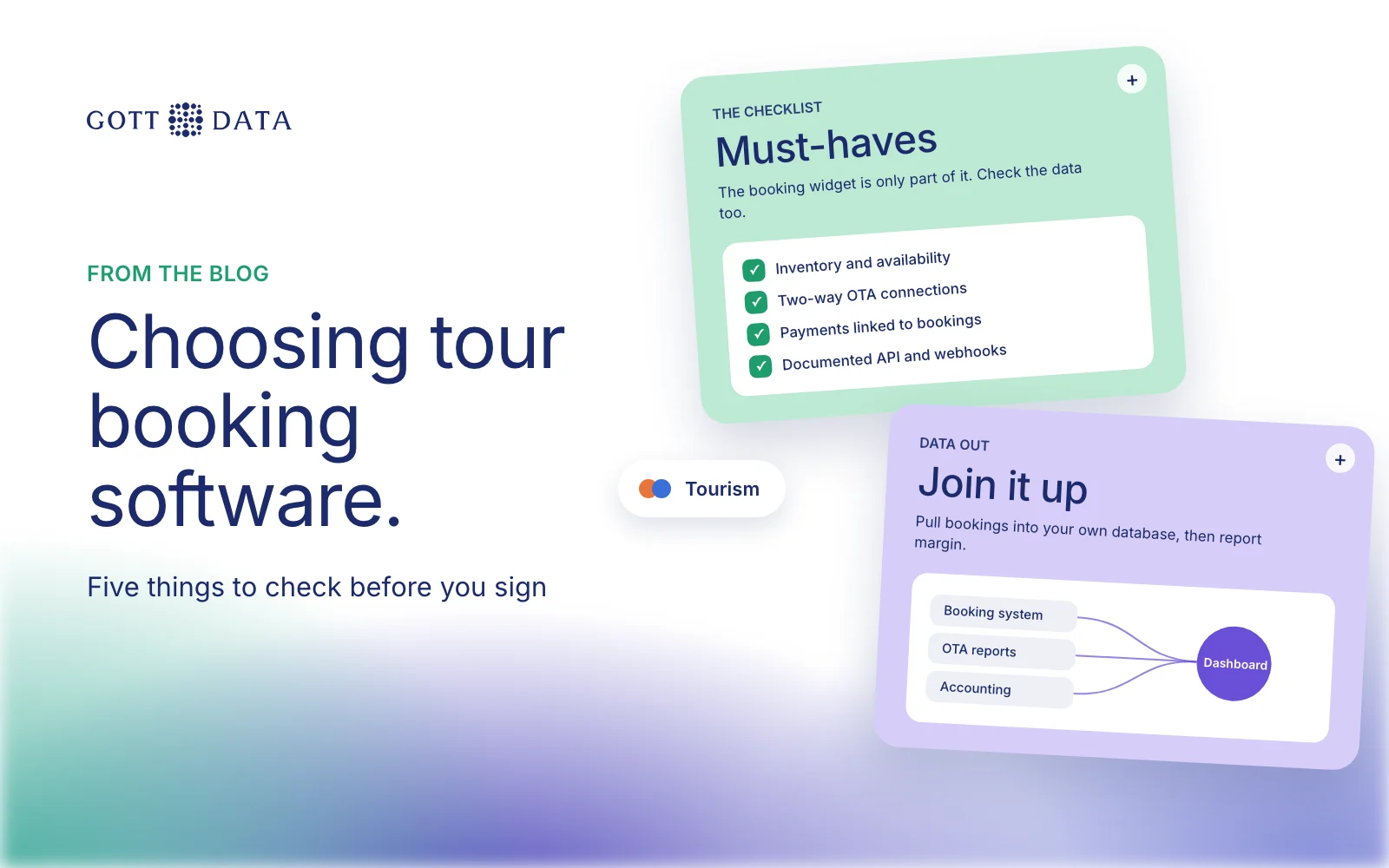
Good tour booking software does five things well: it holds your inventory, connects to the OTAs and resellers that sell for you, takes payments, reports on what you sold, and lets you get your data out through an API. Most operators judge a system on the booking widget. The last two points matter just as much, because they decide whether you can ever answer "what did we earn on each tour?" This post is a checklist for choosing, and a note on what to do with the data afterwards.
What should tour booking software handle?
Start with the jobs the system must do every day:
- Inventory and availability. Departures, seats or capacity per slot, resources such as guides and vehicles, and cut-off times. Check how it handles private tours, pickups and multi-day trips if you sell them.
- Pricing. Adult, child and group rates, seasonal prices, promo codes, and different net rates for each reseller.
- Your own website. A booking flow that works on a phone, in your language and currency, without sending people to a page that looks like someone else's.
- Changes and cancellations. Rebooking, partial refunds and no-shows, with a record of who changed what.
- Guide and staff views. A manifest per departure that guides can open on the day.
Ask for a trial and run a real week of bookings through it. A demo with clean sample data hides most of the friction.
Channel manager and OTA connections
Most tour operators sell through several channels at once: their own site, OTAs, hotel desks and travel agents. Selling the same seat in many places only works if availability updates everywhere at once. That is the channel manager's job.
Questions to ask:
- Which OTAs connect directly, and which need manual uploads?
- Are connections two-way? Does a booking on one OTA reduce availability on all the others straight away?
- How are net rates and commissions stored? You want each booking to carry what you actually receive, as well as the gross price.
- What happens when a connection fails? Is there an alert, or do you find out from an overbooked bus?
Vendors publish this on their sites. Bókun, for example, describes itself as "booking and channel management" software and says it links to more than 2,600 resellers, including over 70 OTAs, and that it and Viator are both Tripadvisor companies. Rezdy publishes separate agent and supplier APIs and webhooks on its developer site. Check the current list for your market, since connections change.
Payments and money
Check which payment providers the system supports, which currencies it can charge in, and when the money reaches you. Ask how deposits, balances and refunds are recorded. For reporting later, the key point is that every payment and refund links back to a booking ID. Without that link, finance will rebuild it by hand every month.
Reporting and API access
Built-in reports are fine for daily operations: today's departures, this week's bookings, sales by product. They tend to stop at the edge of the booking system. They don't know your guide costs, fuel, or the commission on an OTA payout that arrives three weeks later.
That is why API access matters more than the reports screen. Ask:
- Is there a documented API, and is it included in your plan?
- Can it read bookings, cancellations, customers, products and availability?
- Are there webhooks, so a new booking can be pushed to you instead of polled?
- Are there rate limits, and can you pull history, not just recent bookings?
- Can you export everything in a usable format if you leave?
How to get data out of your booking system
Once you have API access, the usual pattern is simple. A scheduled job pulls bookings and changes into a database you own. It joins them with OTA reports and accounting, applies the commission each channel takes, and feeds a dashboard. We describe the steps in our post on tour operator data analytics, and the TourDesk case study shows bookings, vendors and car rentals joined into one source with Qlik Sense on top.
When does a custom booking build make sense?
For most operators, an off-the-shelf tour booking software product is the right choice. A custom build is worth considering when your product doesn't fit the standard model of tours and time slots, or when booking is the core of your business and you want full control of the flow and the data.
Sleipnir, a rental system for car fleets that we built, is an example of that kind of work: vehicle inventory, a multi-step booking flow, dynamic pricing and detailed role-based access in one system. The same patterns apply to activities with unusual inventory.
If you want to see how booking data looks once it is joined up, try the tourism demo, or see our analytics work.