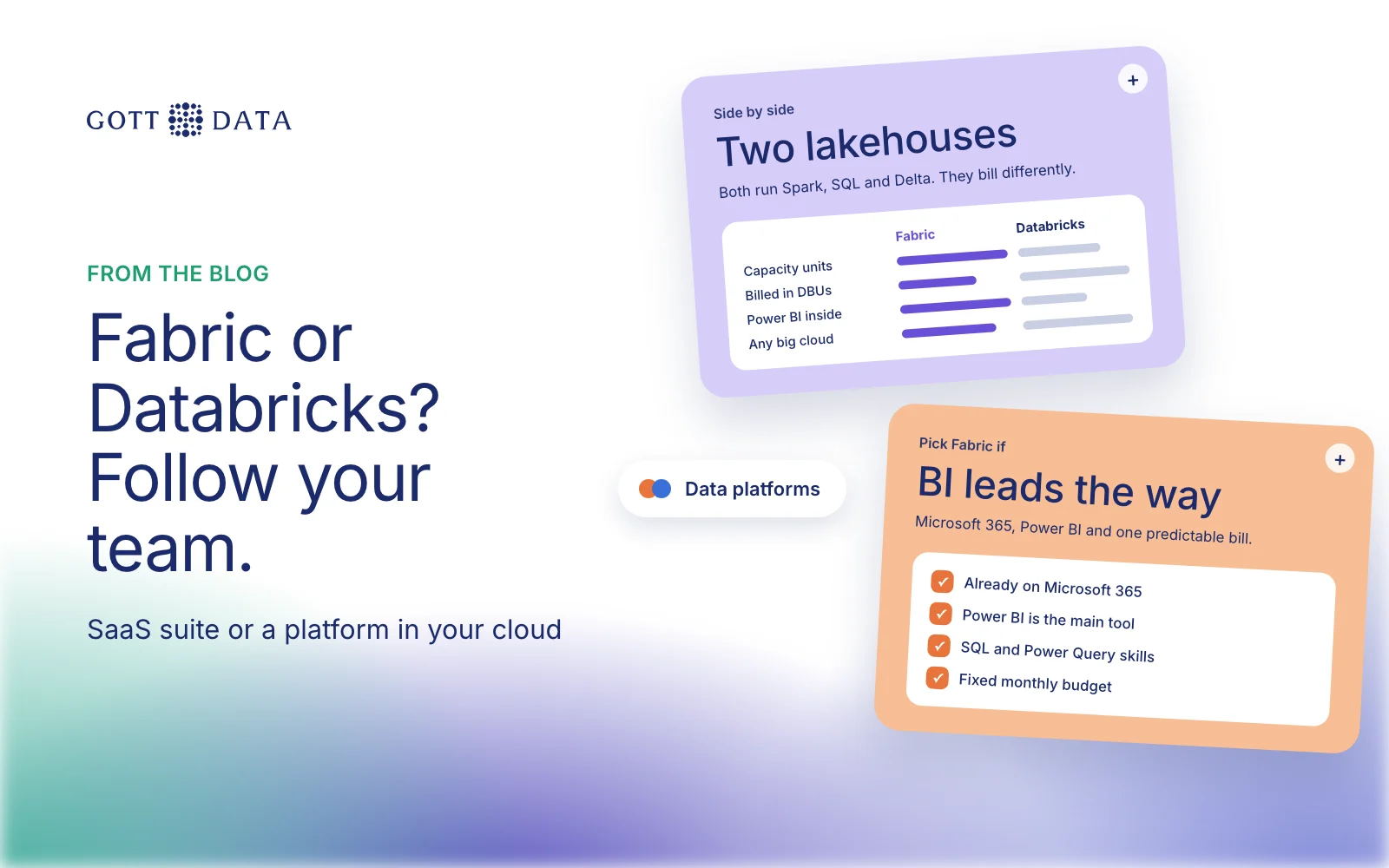
Microsoft Fabric vs Databricks is a choice between a SaaS analytics suite built around Power BI and Microsoft 365, and a data and AI platform that runs inside your own cloud account. Both give you a lakehouse, Spark, SQL and machine learning. Fabric suits a company that already lives in Microsoft tools and wants one bill and little infrastructure. Databricks suits teams with heavy data engineering or AI work, or a need to run on AWS or Google Cloud as well as Azure. This post compares them for a mid-sized European company.
We are not a partner of either vendor, so this is an independent view.
What are Microsoft Fabric and Databricks?
Microsoft Fabric is, in Microsoft's words, "an analytics platform that supports end-to-end data workflows". It is delivered as software as a service. Its workloads include Data Factory, Data Engineering with Spark, Data Warehouse, Data Science, Real-Time Intelligence, databases and Power BI. All of them store data in OneLake, one logical data lake per organisation. Microsoft notes that you don't need an Azure account to use Fabric.
Databricks describes itself as a "unified, open analytics platform" for data and AI work. It runs inside your own cloud account, with editions for AWS, Azure and Google Cloud. Its lakehouse "combines enterprise data warehouses and data lakes". Governance runs through Unity Catalog, and data is usually stored in Delta Lake, an open source format first created at Databricks.
Where do Fabric and Databricks overlap?
More than the marketing suggests. Both offer:
- Spark notebooks for data engineering and data science.
- SQL warehouses for analysts.
- Lakehouse storage in the open Delta Lake format.
- Pipelines and scheduling.
- Governance and access control.
They also work together. Fabric can mirror an Azure Databricks Unity Catalog. Microsoft says this involves "no data movement or data replication": Fabric reads the tables through shortcuts and Power BI can report on them in Direct Lake mode. So the choice is not always either/or.
| Microsoft Fabric | Databricks | |
|---|---|---|
| Delivery | SaaS, managed by Microsoft | Runs in your cloud account |
| Clouds | Managed by Microsoft | AWS, Azure, Google Cloud |
| Storage | OneLake | Your cloud storage, governed by Unity Catalog |
| Pricing unit | Capacity units (F SKUs) | Databricks Units (DBUs) |
| BI | Power BI built in | Connects to Power BI and others |
| Best fit | Microsoft-centred, BI-led teams | Engineering- and AI-heavy teams |
Microsoft Fabric vs Databricks cost: capacity vs DBUs
We won't quote figures here. Both vendors price by region, and real costs depend on your workload. The models differ, though.
Fabric is bought as capacity. Each F SKU, from F2 up to F8192, gives a fixed pool of capacity units shared by all workloads. Azure bills per second with no commitment, and you can pause a capacity or reserve it for a year at a discount. Per-user licences still matter. On capacities smaller than F64, everyone who views Power BI content needs a Pro or Premium Per User licence. From F64 up, viewers with a free licence can read reports.
Databricks is pay as you go in DBUs, "a normalized unit of processing power", billed per second. Committed-use contracts bring discounts. Storage, networking and other cloud resources come on top, billed by your cloud provider. On Azure, Microsoft bills Azure Databricks directly.
In practice, Fabric is easier to budget because the capacity is a fixed monthly amount. Databricks is easier to match to bursty workloads, but you need to watch usage closely.
How does each work with Power BI?
Power BI is a core part of Fabric. Reports can read OneLake tables in Direct Lake mode, without importing or caching data first, and security and governance are shared across the platform.
Databricks connects to Power BI through a connector. You can connect Power BI Desktop to Databricks SQL warehouses, or publish data from Databricks to the Power BI service. It works well, but it is two platforms to secure and pay for. If Power BI is your main BI tool and most data work is reporting, Fabric removes a layer.
What skills does each need?
Fabric fits a team with Power BI, SQL and Power Query skills. Low-code Data Factory pipelines and the familiar Microsoft 365 sign-in lower the barrier. Spark is there when you need it.
Databricks expects stronger engineering skills: Python or Scala, Spark, cloud networking and identity, and cost monitoring. In return you get more control over compute and over where your data and models live.
Which should a mid-sized European company choose?
Choose Fabric when you already run on Microsoft 365 and Power BI, and your main goal is trusted reporting across departments. It also fits when you want one managed platform and a predictable bill.
Choose Databricks when data engineering or machine learning is a core activity, or data volumes are large. It also fits a company that runs on more than one cloud, or wants to keep data in its own cloud account.
For many companies with a few hundred employees, a well-designed warehouse on Postgres or Azure SQL plus Power BI often covers today's needs. Start there, and move to a larger platform when volumes or teams demand it. If Snowflake is also on your list, we compare it in Snowflake vs Databricks.
If you are deciding on a data platform, our analytics work shows how we build data foundations, and you can tell us about your setup.