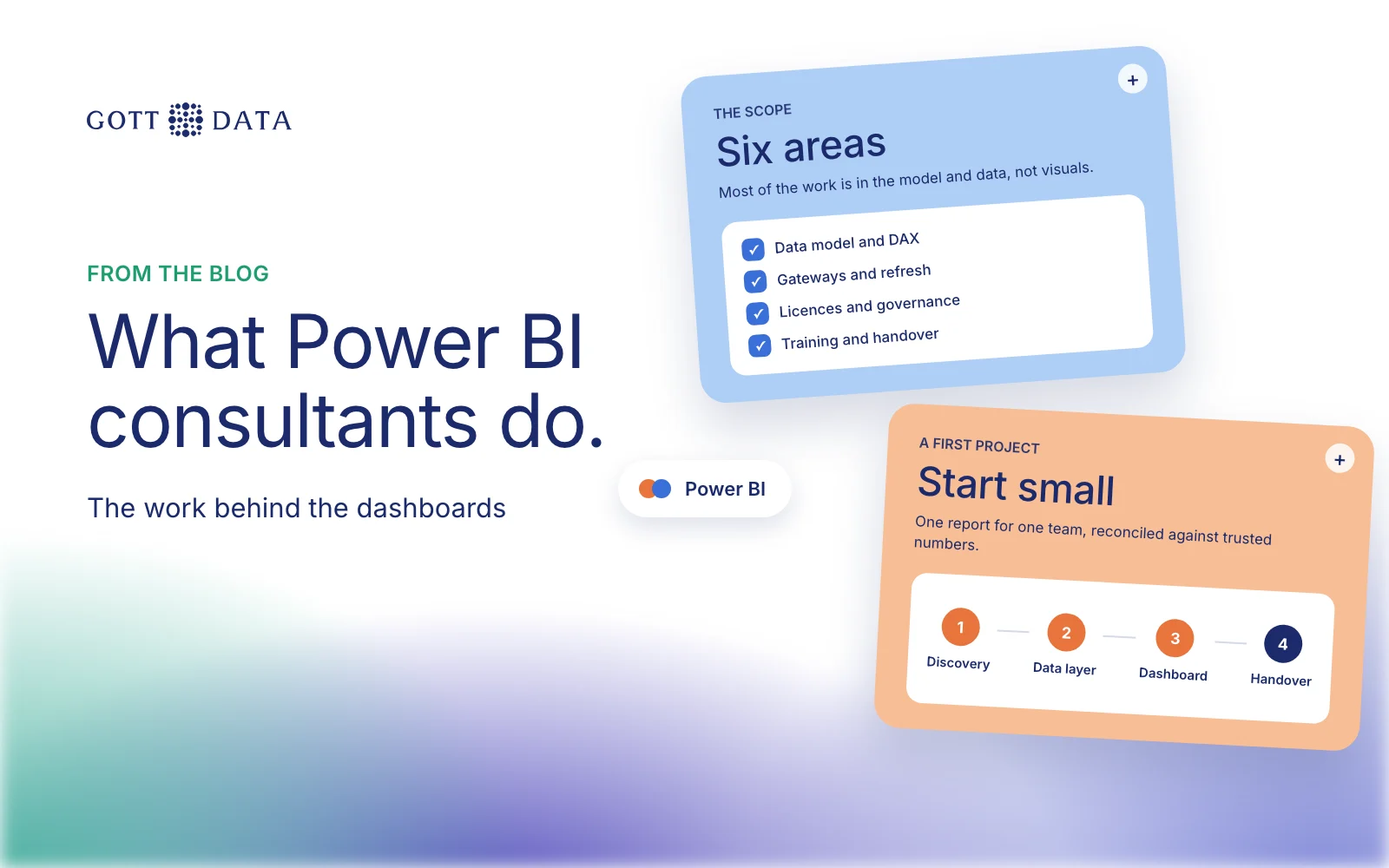
Power BI consulting services cover the work around the reports: designing the data model, writing DAX, connecting sources through gateways, setting up licences and workspaces, governance and security, and training the people who will use it. A good consultant spends more time on the model and the data than on the visuals. This post explains what each part involves, and how to pick someone to do it.
What do Power BI consulting services include?
Most projects touch the same six areas.
1. The data model. Power BI works best with a star schema: fact tables for events such as sales or bookings, and dimension tables for things such as products, customers and dates. Microsoft's star schema guidance explains why. It also recommends building a data warehouse and ETL first when volumes are large or you need to track history. A consultant should tell you which of these you need.
2. DAX measures. DAX is the formula language behind every measure, from a simple total to year-on-year growth. Microsoft's DAX overview shows it is also used for row-level security. Measures that are written well give the same answer in every report. Measures written in a hurry are the most common cause of numbers that disagree.
3. Gateways and refresh. If your data sits on a server in your own network, the Power BI service needs an on-premises data gateway to reach it. Microsoft describes this as locally installed Windows software that uses outbound connections. Refresh limits also matter: on shared capacity, a semantic model gets eight scheduled refreshes a day, and on Premium, PPU or Fabric capacity it can have up to 48, per Microsoft's refresh documentation.
4. Licensing and workspace setup. Who needs Pro, who needs Premium Per User, and whether capacity makes sense. Getting this wrong costs money every month, so check the plans on Microsoft's Power BI pricing page before you buy. Our Power BI pricing guide explains who needs which licence.
5. Governance and security. Workspaces per team, who can publish, a named owner per dataset, row-level security so each person sees only their own region or client, and a way to retire reports nobody opens.
6. Training and handover. Short sessions for report users, deeper ones for the people who will maintain the model. Documentation of each measure and data source.
What a typical engagement looks like
A sensible first project is small and ends with something people use:
- Discovery, one or two weeks. List sources, current reports and the questions people actually ask.
- Data layer. Connect the sources, clean them and build the model, in Power BI or in a warehouse behind it.
- First dashboard. One report for one team, reconciled against the numbers they trust today.
- Rollout. Workspaces, security, refresh schedule and monitoring.
- Handover. Training, documentation and an agreed way to ask for changes.
Each later report is faster, because the model and the definitions are already in place.
How do you choose a Power BI consultant?
Search results for Power BI consulting are full of firms in the USA, India and Australia. Location matters less than these questions:
- Do they start with your data or with screenshots? Ask how they would model your sales, not which visuals they like.
- Can they show DAX they wrote and explain it? Ask for a measure such as "revenue vs same period last year" and how they test it.
- Do they handle the data before Power BI? Many projects fail at extraction and cleaning, not at the report.
- Do they plan for handover? You should be able to maintain the result without them.
- Are they clear about licences? A consultant should help you buy fewer licences, not more.
- Are their claims checkable? Ask for case studies you can read and people you can call. If a firm claims partner status, ask for proof.
For transparency: we are not a Microsoft partner. We build Power BI and Qlik Sense dashboards, along with the warehouses and pipelines behind them, so we recommend the tool that fits rather than the one we resell.
When you may not need a consultant
If you have one data source, a few users and someone curious on the team, Power BI Desktop is free and Microsoft's learning material is good. Bring in help when sources multiply, numbers disagree between reports, or refresh and security start taking up someone's week.
Our analytics work shows how we build data models and dashboards, and you can book a short call to talk through yours.