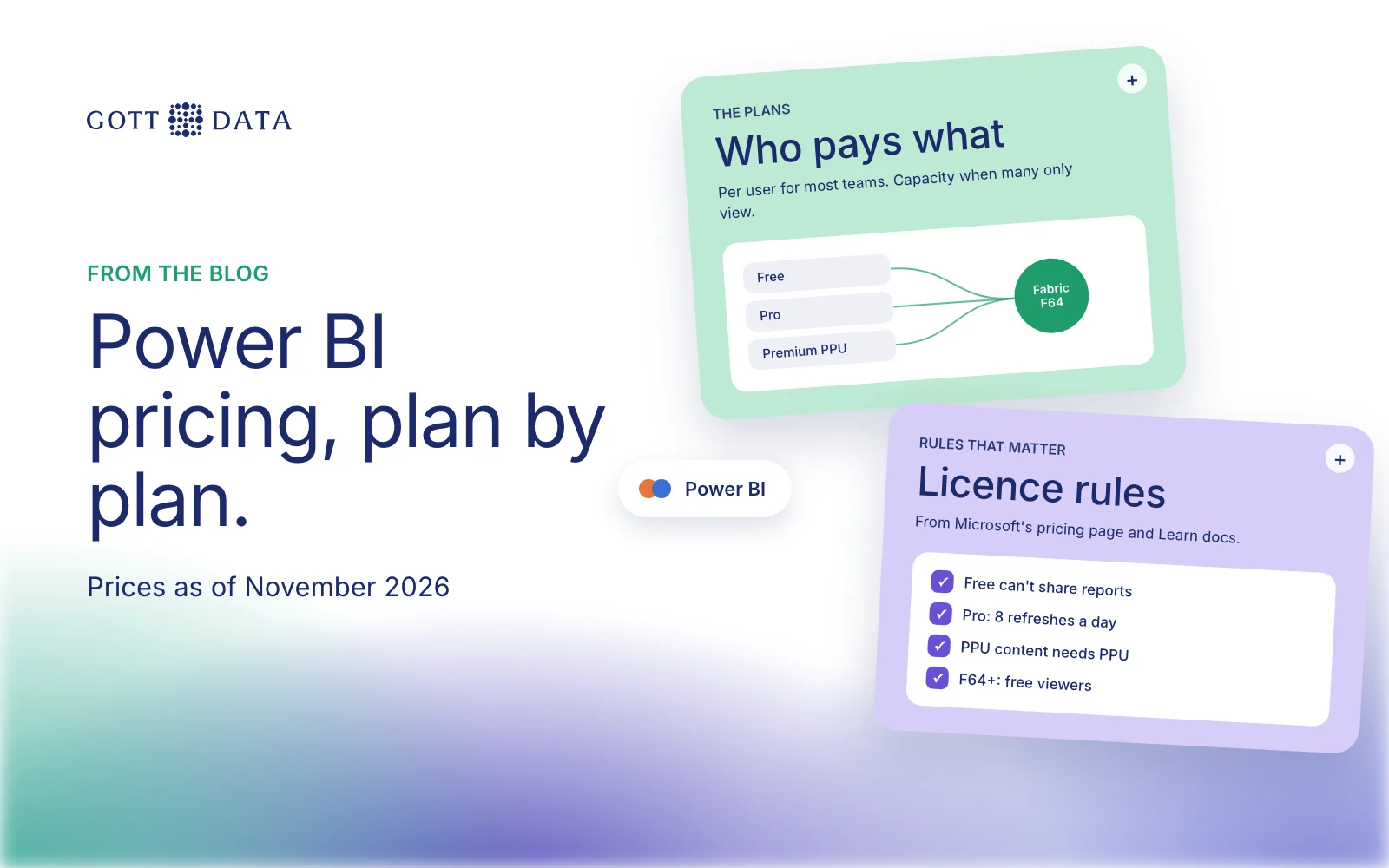
Power BI pricing has four main options: a free account, Power BI Pro, Premium Per User (PPU), and Microsoft Fabric capacity. As of November 2026, Microsoft's Irish pricing page lists Pro at €12.10 and PPU at €20.80 per user per month, paid yearly and excluding VAT. The US page lists $14 and $24. Prices vary by country and currency, and Microsoft says the figures shown are for marketing purposes, so your checkout price is the one that counts. This post explains what each plan gives you and who needs which.
What are the Power BI pricing plans?
All figures below come from Microsoft's Power BI pricing page as of November 2026.
| Plan | Price (Ireland, ex VAT) | What it is for |
|---|---|---|
| Free account | €0 | Build reports for yourself |
| Power BI Pro | €12.10 user/month, paid yearly | Publish, share and view shared reports |
| Premium Per User | €20.80 user/month, paid yearly | Pro features plus larger models and more refreshes |
| Fabric capacity | Varies by size | Capacity for a whole organisation |
| Power BI Embedded | Varies | Reports inside your own product for customers |
Pro is also included in Microsoft 365 E5 and Office 365 E5. Microsoft offers a PPU step-up for people who already hold Pro or an E5 licence. It also lists academic, government and nonprofit pricing, so check those if they apply to you.
What does the free account include?
The free account lets you create interactive reports, and Power BI Desktop is a free application. What you can't do is share. Microsoft's page says plainly: "Upgrade to Pro or Premium to share reports." So the free tier suits learning, prototyping and personal analysis. It is not a way to run reporting for a team.
Who needs Power BI Pro?
In most small and mid-sized companies, everyone who publishes or views shared reports needs Pro. That includes the people who only open a dashboard once a week. Pro covers publishing reports, sharing them, and opening reports others have shared.
Pro also sets the refresh limit. Microsoft's refresh documentation says semantic models on shared capacity get eight scheduled refreshes a day, and each refresh must finish within two hours. For a daily sales report that is plenty. For an operations screen that should update hourly, it is not.
When is Premium Per User worth it?
PPU adds larger model sizes and more frequent refreshes. On PPU, Premium or Fabric capacity, a model can be scheduled up to 48 times a day. PPU makes sense when:
- your models are too large for Pro,
- you need refreshes more often than eight times a day,
- or a small group of analysts needs Premium features without buying capacity.
The catch is in Microsoft's PPU documentation: a PPU licence is required to access content in a PPU workspace or app. If a hundred people need to see a PPU report, all hundred need PPU.
When does Fabric capacity make sense?
Fabric capacity is bought for the organisation rather than per user. It is priced by capacity size, pay-as-you-go or as a yearly reservation. Microsoft says a reservation saves 40.5% over pay-as-you-go.
The licence rule that matters is in the page's footnotes. At F64 and above, report consumers can view and interact with content "without additional paid per-user licenses". Below F64, viewers still need their own licences. Authors who publish content always need Pro, even on capacity.
So capacity starts to pay off when you have many people who only read reports, and few who build them. Below that point, Pro for everyone is usually cheaper and simpler.
Which Power BI plan should you choose?
A rough guide for European companies:
- One analyst exploring data: start with the free account and Power BI Desktop.
- A team of 5 to 50 sharing reports: Pro for every author and viewer.
- A few analysts with large or fast-changing models: PPU for that group, Pro for others who don't need those reports.
- Hundreds of viewers and a small build team: compare the cost of F64 capacity with Pro for everyone, using your regional prices.
- Reports shown to your customers: look at Power BI Embedded.
Two practical tips. First, count the people who actually open reports each month, not everyone who might. Second, check whether your Microsoft 365 plan already includes Pro before buying it twice.
Licences are only part of the cost. A clean data model keeps refresh times short and reports fast, which can keep you on a cheaper plan for longer. Our analytics work covers how we build those models, and you can ask us about your setup.